See which team owns which system
Usually a CTO or an engineering lead, before a reorganisation
Tag each system with its owning team, then roll the architecture up into a team map with every dependency between teams on it, published as a link.
The problem
A system's structure mirrors the teams that build it, and the two drift apart quietly. The symptoms are social before they are technical: a change that needs three teams to agree, a service nobody feels responsible for, one person every incident routes through.
The map of systems lives in one place and the org chart in another. Nobody has the picture that puts them together: which team owns what, and which teams depend on which because their systems do.
How it goes
The same steps the product’s playbook walks. Each one shows the screen at that moment.
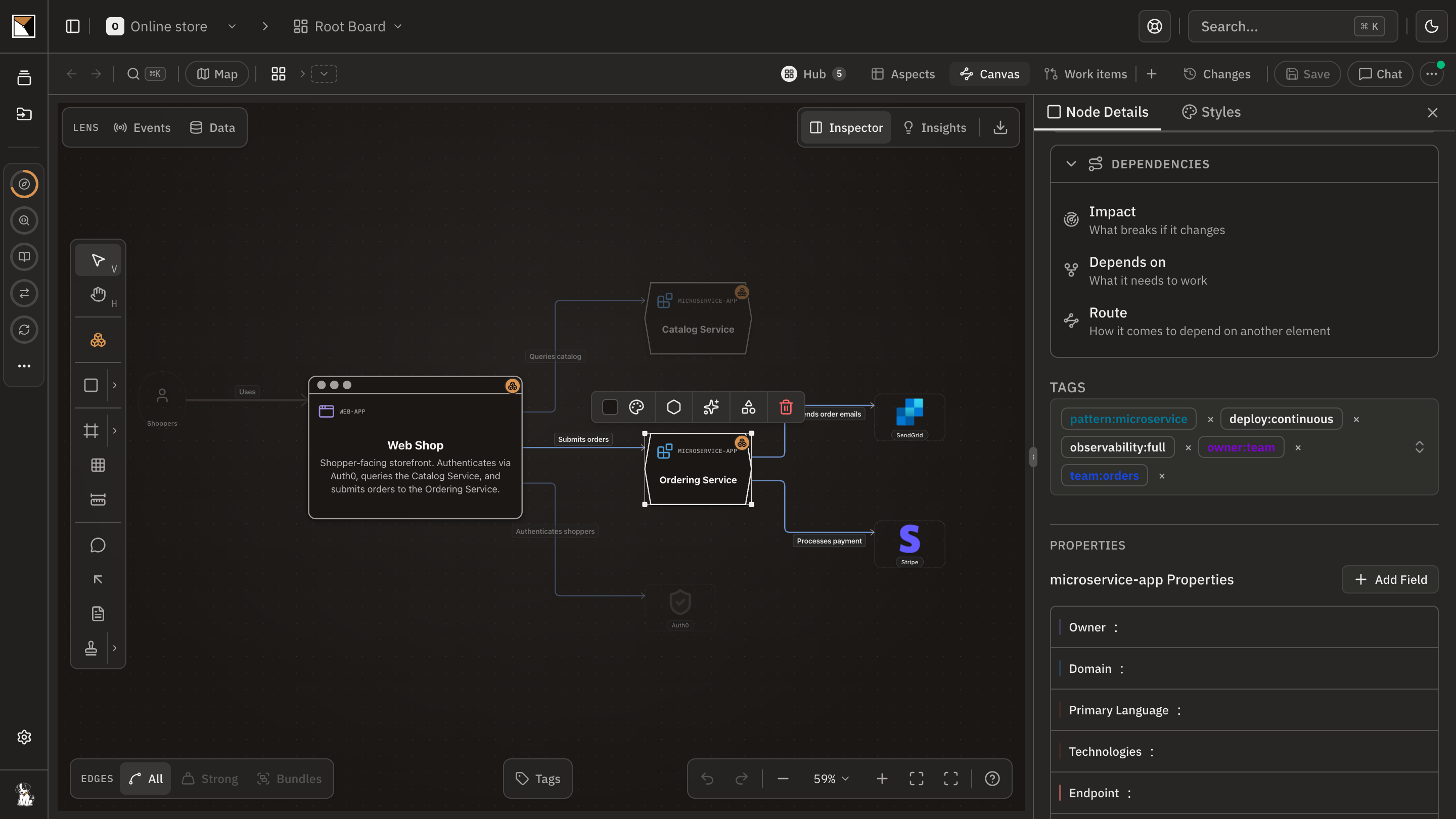
Tag the owners
The owner:team tag ships with the organisation's context tags. On the landscape, give each system the team that owns it. The playbook's step ticks once most of the systems carry one.
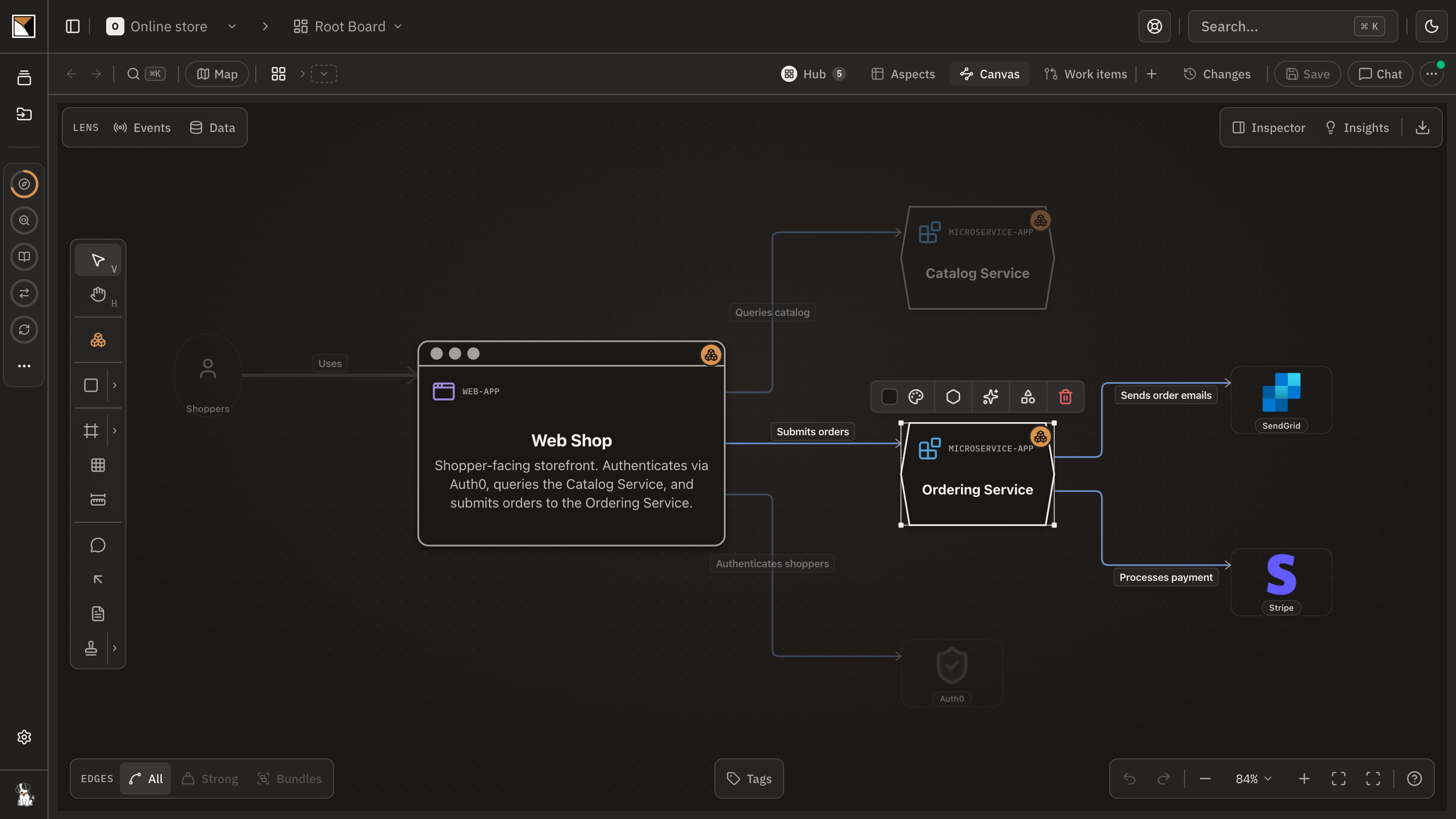
Roll up to teams
Ask chat to draw the team map: one node per team, and an edge wherever one team's system depends on another's. Every edge between systems owned by different teams becomes a dependency between those teams.
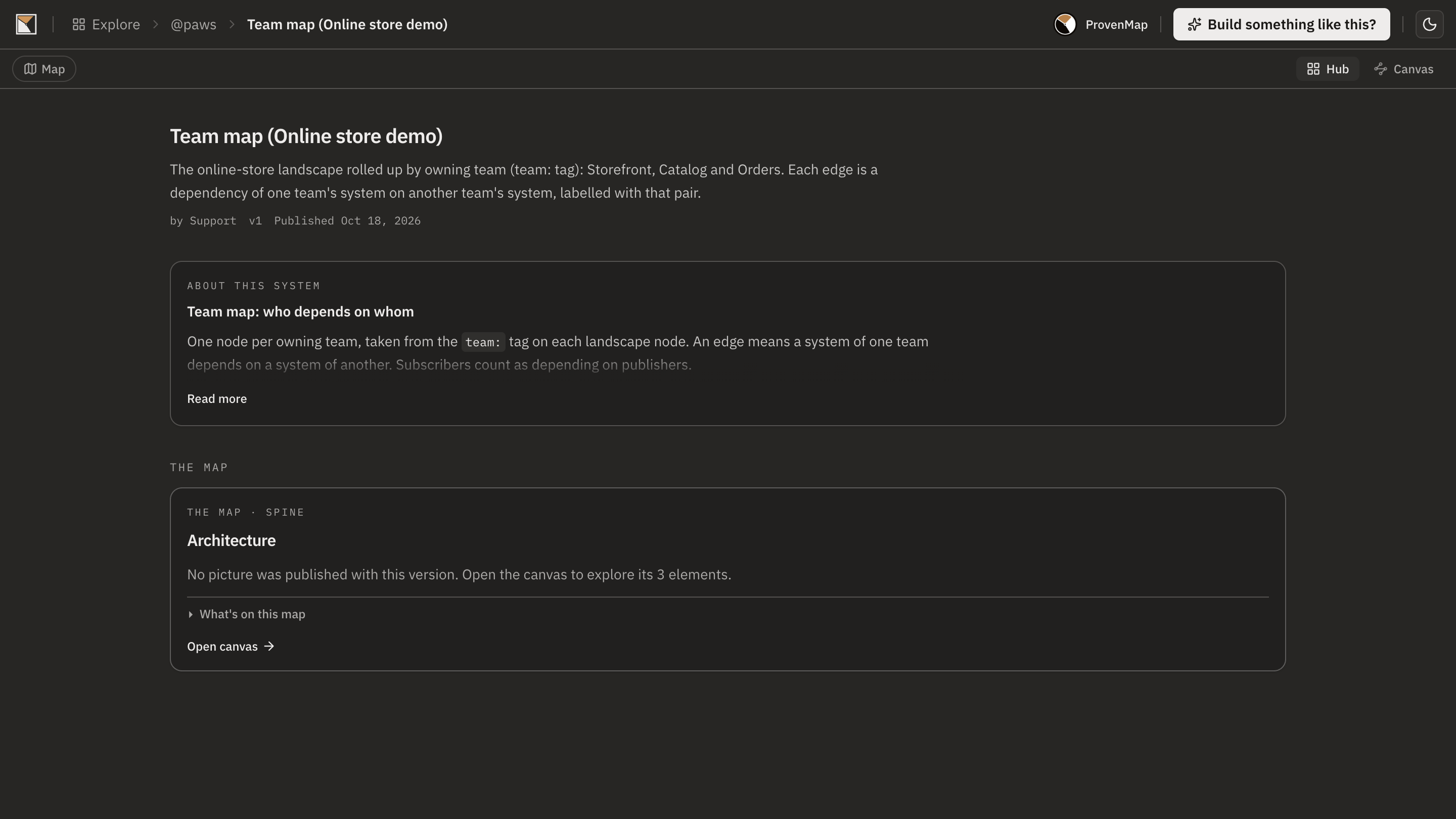
Publish the map
Publish the team map as a link, so the people deciding a reorganisation or a hire read the same picture the engineers work from.
- Done
End proofDone when the team map is published as a link, with every dependency between teams on it.
Works with
- Tags
- The owner:team context tag, organisation-wide, set per system on the landscape; steward:architect and domain:ddd beside it.
- Boards
- The landscape with its systems and the edges between them, from the code where the systems are apps.
- Chat
- Draws the team map as a context board from the tags and the edges, with the write tools bound to the thread.
- Publishing
- The team map as a link: public, unlisted, or protected.
Where it stops
- Ownership is a tag people keep current; nothing reads it from a code owners file yet, and there is no team as a first-class element.
- The playbook names a socio-technical insight skill that reports ownerless systems and cross-team hotspots. That skill does not ship today, so the step is marked done by hand; chat answers the same questions.
- A team map is drawn from the systems' edges. A dependency no edge carries is not a dependency between teams on the map.
Why not a diagram, or a code browser
A diagram shows
An org chart in one tool and an architecture drawing in another, joined in nobody's head but the lead's.
A code browser shows
A code owners file per repository, which says who reviews a folder and nothing about which teams depend on which.
ProvenMap shows
The owning team on each system, rolled up into a map of teams with the dependencies their systems create between them, published as the link a reorganisation is decided with.
Walk through it
- The docs walkthrough of this job is being written.
- In the product this job runs as the playbook See the teams inside the architecture. The board ticks each step when what it asked for exists.
The features behind it
Start with one system
Map a real system and see the architecture around it.
Open one repository and run the code plugin. No migration, no rollout, no diagramming.
No credit card · Analysis runs locally in your own session · Self-hosted available
See the four commands to your first board →
Or for writing on architecture that stays connected across systems.